Loading method details…
SDK Guide
The example above is sending a transaction using RPC methods directly. If you are using the Stellar SDK to build applications, you can use the native functions to get the same information.
- Python
- JavaScript
- Java
# pip install --upgrade stellar-sdk
from stellar_sdk import SorobanServer, soroban_rpc, Keypair, Network, TransactionBuilder, scval

def send_transaction() -> soroban_rpc.SendTransactionResponse:
    server = SorobanServer(server_url='https://soroban-testnet.stellar.org', client=None)

    root_keypair = Keypair.from_secret(
        "SXXXXXXXXXXXXXXXXXXXXXXXXXXXXXXXXXXXXXXXXXXXXXXXXX"
    )
    root_account = server.load_account(root_keypair.public_key)
    # native token contract (XLM)
    contract_id = "CDLZFC3SYJYDZT7K67VZ75HPJVIEUVNIXF47ZG2FB2RMQQVU2HHGCYSC"
    transaction = (
        TransactionBuilder(
            source_account=root_account,
            network_passphrase=Network.TESTNET_NETWORK_PASSPHRASE,
            base_fee=100,
        )
        # Transfer 1 native token to GBRPYHIL2CI3FNQ4BXLFMNDLFJUNPU2HY3ZMFSHONUCEOASW7QC7OX2H
        # https://developers.stellar.org/docs/tokens/token-interface
        .append_invoke_contract_function_op(contract_id, "transfer", [
            scval.to_address(root_keypair.public_key),  # from
            scval.to_address("GBRPYHIL2CI3FNQ4BXLFMNDLFJUNPU2HY3ZMFSHONUCEOASW7QC7OX2H"),  # to
            scval.to_int128(1 * 10 ** 7)  # amount, 1 XLM, decimal places are 7
        ])
        .set_timeout(30)
        .build()
    )

    transaction = server.prepare_transaction(transaction)
    transaction.sign(root_keypair)
    return server.send_transaction(transaction)


response = send_transaction()

print("status", response.status)
print("hash:", response.hash)
print("status:", response.status)
print("errorResultXdr:", response.error_result_xdr)
// yarn add @stellar/stellar-sdk
import * as StellarSdk from "@stellar/stellar-sdk";

import { Server } from "@stellar/stellar-sdk/rpc";
const server = new Server("https://soroban-testnet.stellar.org");

async function sendTransaction() {
  try {
    // native token contract (XLM)
    const contractId =
      "CDLZFC3SYJYDZT7K67VZ75HPJVIEUVNIXF47ZG2FB2RMQQVU2HHGCYSC";
    const sourceSecretKey =
      "SXXXXXXXXXXXXXXXXXXXXXXXXXXXXXXXXXXXXXXXXXXXXXXXXX";
    const contract = new StellarSdk.Contract(contractId);
    const sourceKeypair = StellarSdk.Keypair.fromSecret(sourceSecretKey);
    const accountId = sourceKeypair.publicKey();

    const account = await server.getAccount(accountId);
    const fee = StellarSdk.BASE_FEE;
    // Transfer 1 native token to GBRPYHIL2CI3FNQ4BXLFMNDLFJUNPU2HY3ZMFSHONUCEOASW7QC7OX2H
    // https://developers.stellar.org/docs/tokens/token-interface
    const transaction = new StellarSdk.TransactionBuilder(account, { fee })
      .setNetworkPassphrase(StellarSdk.Networks.TESTNET)
      .setTimeout(30)
      .addOperation(
        contract.call(
          "transfer",
          StellarSdk.nativeToScVal(accountId, { type: "address" }), // from
          StellarSdk.nativeToScVal(
            "GBRPYHIL2CI3FNQ4BXLFMNDLFJUNPU2HY3ZMFSHONUCEOASW7QC7OX2H",
            { type: "address" },
          ), // to
          StellarSdk.nativeToScVal("10000000", { type: "i128" }), // amount, 1 XLM, decimal places are 7
        ),
      )
      .build();

    server
      .prepareTransaction(transaction)
      .then((result) => {
        result.sign(sourceKeypair);
        return server.sendTransaction(result);
      })
      .then((result) => {
        console.log("hash:", result.hash);
        console.log("status:", result.status);
        console.log("errorResultXdr:", result.errorResultXdr);
      });
  } catch (error) {
    console.error("Error fetching transaction:", error);
  }
}

sendTransaction();
// https://github.com/lightsail-network/java-stellar-sdk?tab=readme-ov-file#installation
import org.stellar.sdk.KeyPair;
import org.stellar.sdk.Network;
import org.stellar.sdk.SorobanServer;
import org.stellar.sdk.Transaction;
import org.stellar.sdk.TransactionBuilder;
import org.stellar.sdk.TransactionBuilderAccount;
import org.stellar.sdk.operations.InvokeHostFunctionOperation;
import org.stellar.sdk.responses.sorobanrpc.SendTransactionResponse;
import org.stellar.sdk.scval.Scv;

import java.math.BigInteger;
import java.util.Arrays;

public class SendTransactionExample {

  public static void main(String[] args) {
    SorobanServer server = new SorobanServer("https://soroban-testnet.stellar.org");
    try {
      KeyPair sourceKeyPair =
          KeyPair.fromSecretSeed("SXXXXXXXXXXXXXXXXXXXXXXXXXXXXXXXXXXXXXXXXXXXXXXXXX");
      TransactionBuilderAccount sourceAccount = server.getAccount(sourceKeyPair.getAccountId());
      // native token contract (XLM)
      String contractId = "CDLZFC3SYJYDZT7K67VZ75HPJVIEUVNIXF47ZG2FB2RMQQVU2HHGCYSC";

      // Transfer 1 native token to GBRPYHIL2CI3FNQ4BXLFMNDLFJUNPU2HY3ZMFSHONUCEOASW7QC7OX2H
      // https://developers.stellar.org/docs/tokens/token-interface
      org.stellar.sdk.operations.InvokeHostFunctionOperation operation =
          InvokeHostFunctionOperation.invokeContractFunctionOperationBuilder(
                  contractId,
                  "transfer",
                  Arrays.asList(
                      Scv.toAddress(sourceKeyPair.getAccountId()), // from
                      Scv.toAddress(
                          "GBRPYHIL2CI3FNQ4BXLFMNDLFJUNPU2HY3ZMFSHONUCEOASW7QC7OX2H"), // to
                      Scv.toInt128(
                          BigInteger.valueOf(10000000)) // amount, 1 XLM, decimal places are 7
                      ))
              .build();
      Transaction transaction =
          new TransactionBuilder(sourceAccount, Network.TESTNET)
              .setBaseFee(100)
              .addOperation(operation)
              .setTimeout(30)
              .build();

      transaction = server.prepareTransaction(transaction);

      // Sign the transaction
      transaction.sign(sourceKeyPair);

      // Send the transaction using the SorobanServer
      SendTransactionResponse response = server.sendTransaction(transaction);
      System.out.println(response.getStatus());
      System.out.println(response.getHash());
      System.out.println(response.getLatestLedger());
      System.out.println(response.getLatestLedgerCloseTime());
    } catch (Exception e) {
      System.err.println("An error has occurred:");
      e.printStackTrace();
    }
  }
}
Using the Lab
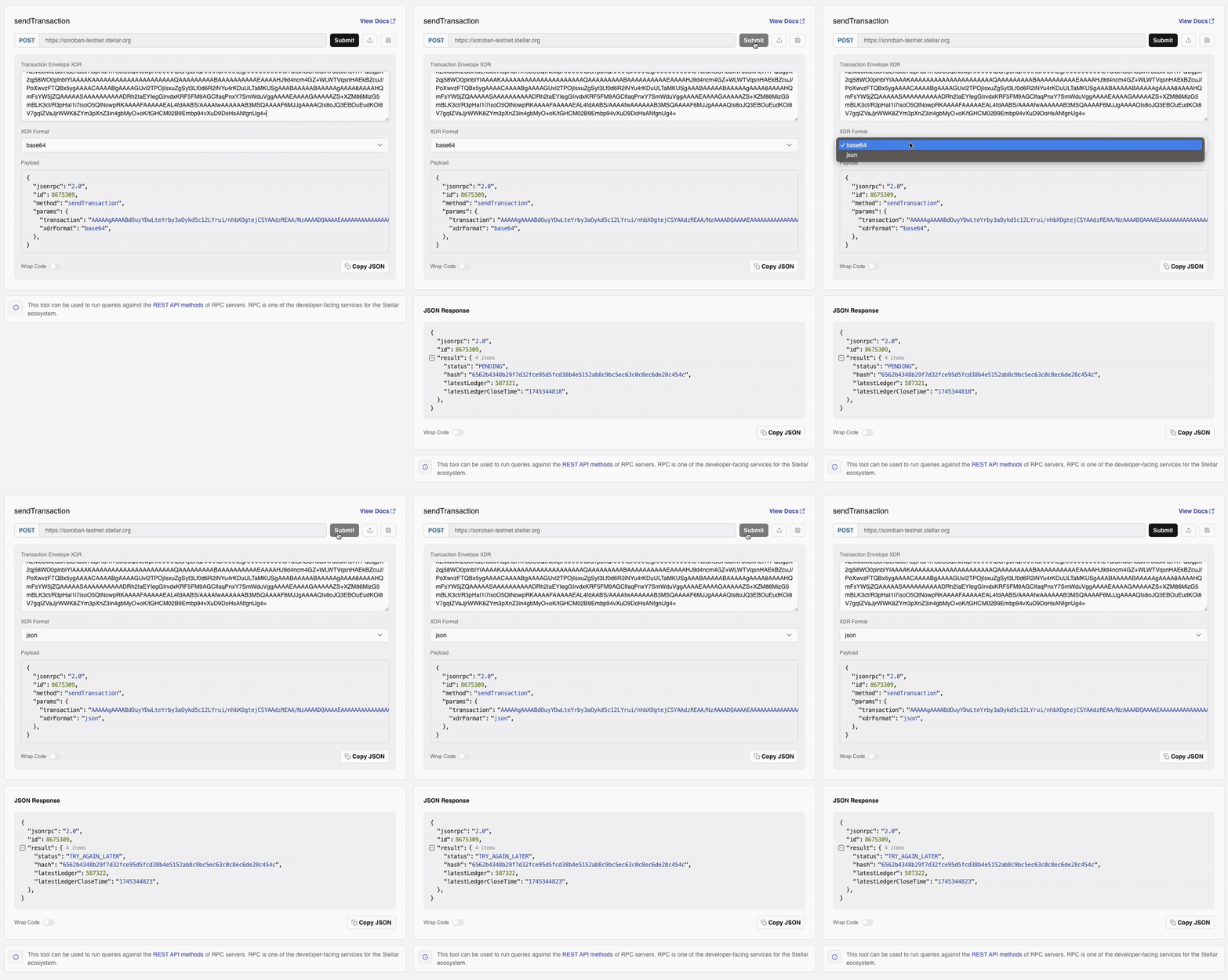
The sendTransaction method is used to submit a real transaction to the Stellar network, making it the only way to execute on-chain changes through RPC.
Unlike Horizon, this method does not wait for confirmation. Instead, it validates and enqueues the transaction. To track its final outcome, clients should follow up with a call to getTransaction.
This method supports all Stellar transactions, including but not limited to smart contract invocations.
👉 Send (Submit) a Transaction on the Lab